Long rides create more footage than most riders want to manage by hand. Rover loop recording is built for that reality: keep the camera ready, cycle routine footage when storage needs room, and protect moments that should not disappear.
A bike commute, a gravel loop, and a weekend endurance ride all have the same recording problem: the important seconds are mixed into long stretches of ordinary footage. If the rider has to decide every time whether a moment is worth recording, the camera becomes one more task during the ride.
Loop recording makes the workflow more practical. Rover can record in cycles so older routine footage can be overwritten when space is needed. The Rover source description adds the most important detail for riders: highlight clips can be automatically locked, so the system is not treating every second of footage the same way.
Why loop recording matters on cycling camera glasses
Loop recording is especially useful for cycling camera glasses because the camera is already at eye level. Riders can keep a natural point of view on the road, group line, traffic, or trail without adding a helmet camera or handlebar mount. The feature helps Rover behave less like a start-stop gadget and more like a ready riding companion.
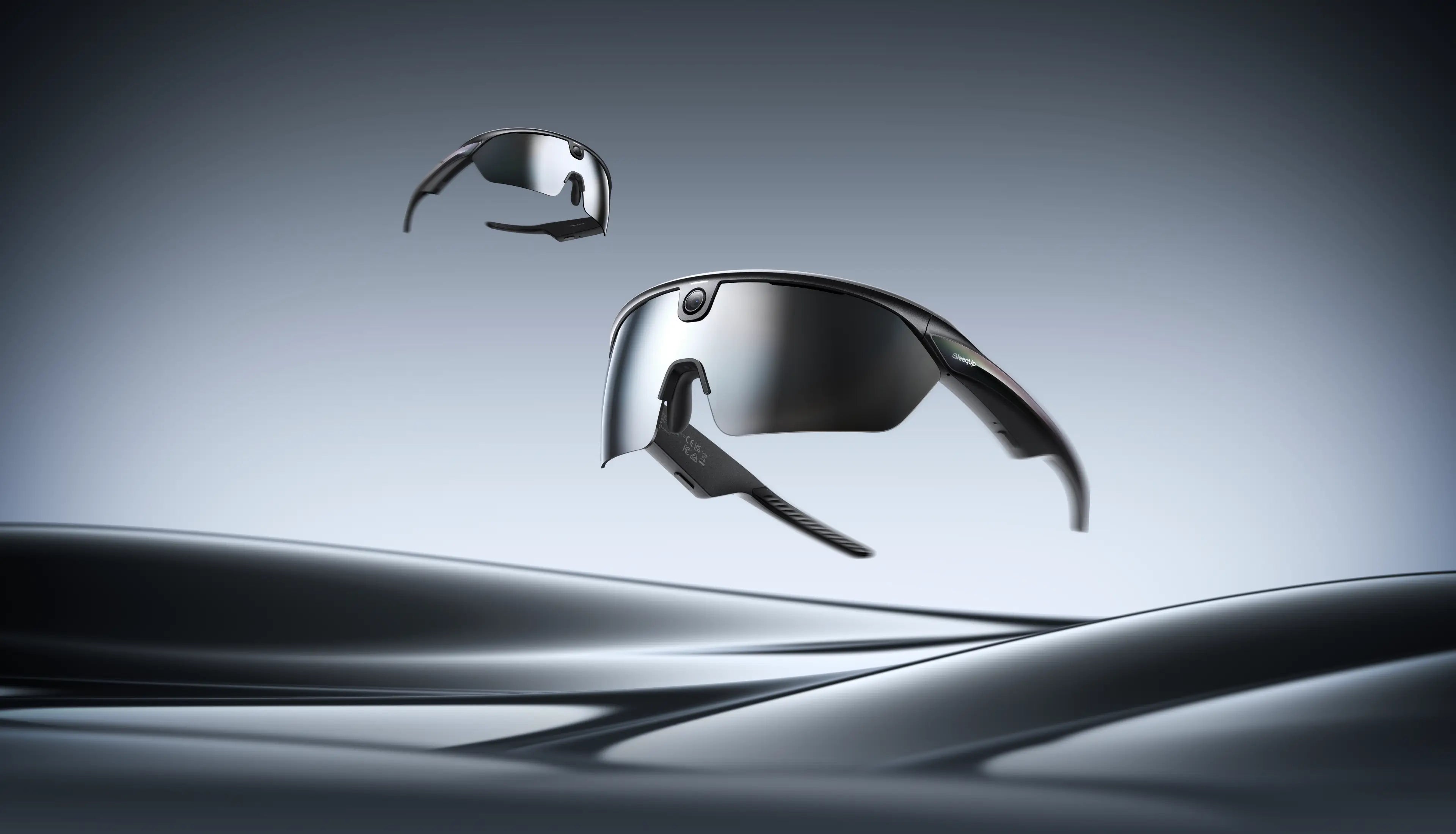
For commuters, it can support a cleaner record of repeated routes. For long-distance riders, it reduces the pressure to predict which segment will matter later. For riders reviewing safety context, it helps keep footage available without turning every ride into a manual file-management job.
Routine footage and locked clips have different jobs
| Footage type | What Rover is helping manage | Why it matters |
|---|---|---|
| Routine rolling footage | Ongoing capture that can cycle out when storage needs room. | Keeps long rides manageable instead of filling the library with repetitive clips. |
| Locked highlight clips | Moments marked as important so they are protected from routine overwrite. | Helps riders keep useful clips for review, sharing, or AI-assisted editing. |
This is why the right message is not "unlimited recording." Battery life, storage, recording mode, and user settings still matter. The useful point is more concrete: loop recording helps riders keep recording with less manual cleanup.
How it supports Rover's AI workflow
Loop recording becomes stronger when it is paired with Rover's other capture and AI features. The pre-recording article explains how Rover can preserve context before supported cycling danger detection starts recording. The 120-degree POV article shows why enough visual context matters when riders review a situation.
After the ride, AI highlights, footage search, and one-tap editing are more useful when the source library is not a pile of long, unorganized videos. A smarter recording structure gives those downstream tools better material to work with.
Who should care most
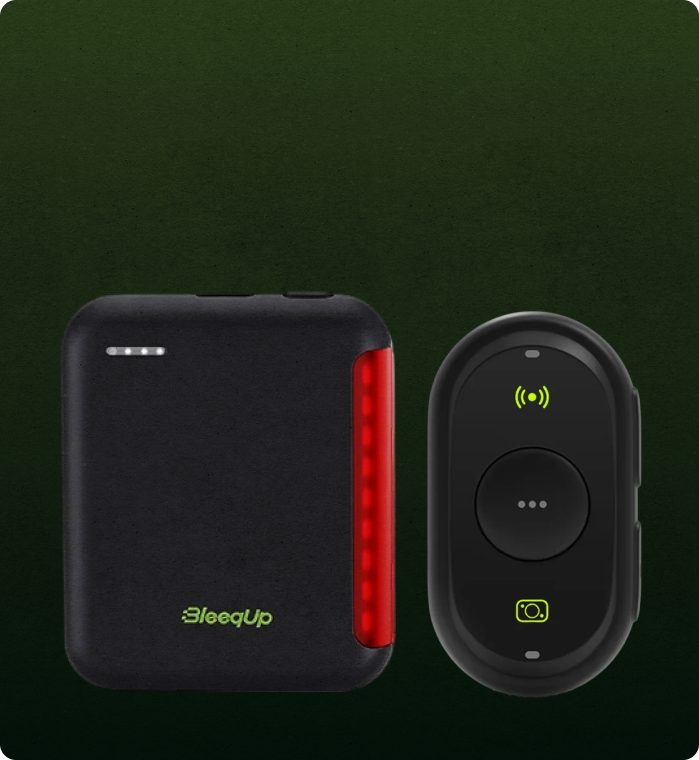
Loop recording is one of the most practical Rover features for commuters, club riders, endurance cyclists, and anyone who wants a loop recording camera without changing the rhythm of a ride. It is not the flashiest specification, but it is the kind of feature that makes camera glasses easier to live with every week.
FAQ
What does loop recording do on Rover?
Loop recording records in cycles so routine older footage can be overwritten when space is needed, while highlight clips can be automatically locked.
Is loop recording useful for commuting?
Yes. It is useful when a rider wants continuous capture on repeated routes without manually starting and stopping every possible clip.
Does loop recording mean unlimited video?
No. Battery, storage, recording mode, and settings still matter, so loop recording should be described as smarter capture management rather than unlimited recording.