
BleeqUp Comando Bluetooth
Bluetooth
Capacidade da bateria
Proteção contra a penetração
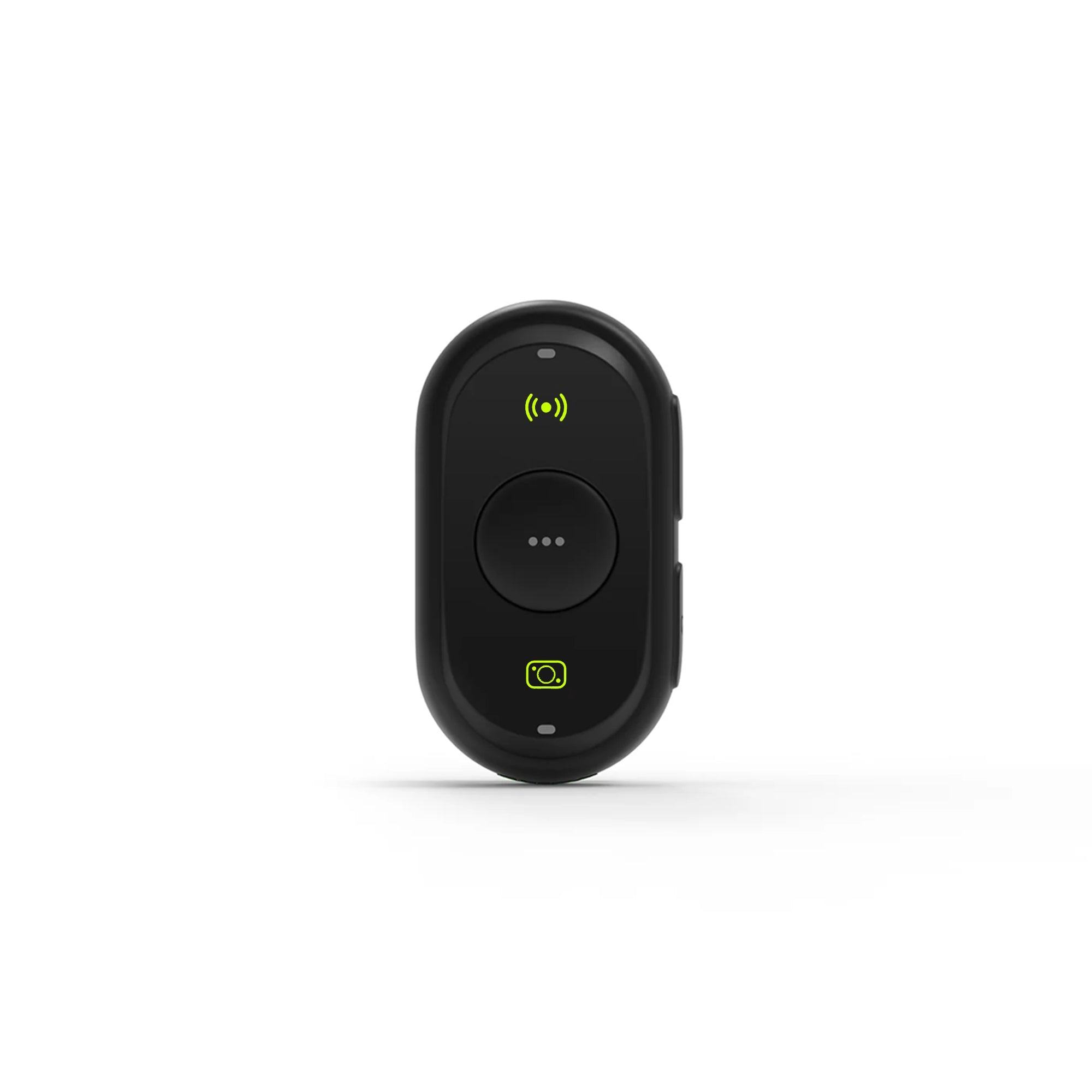
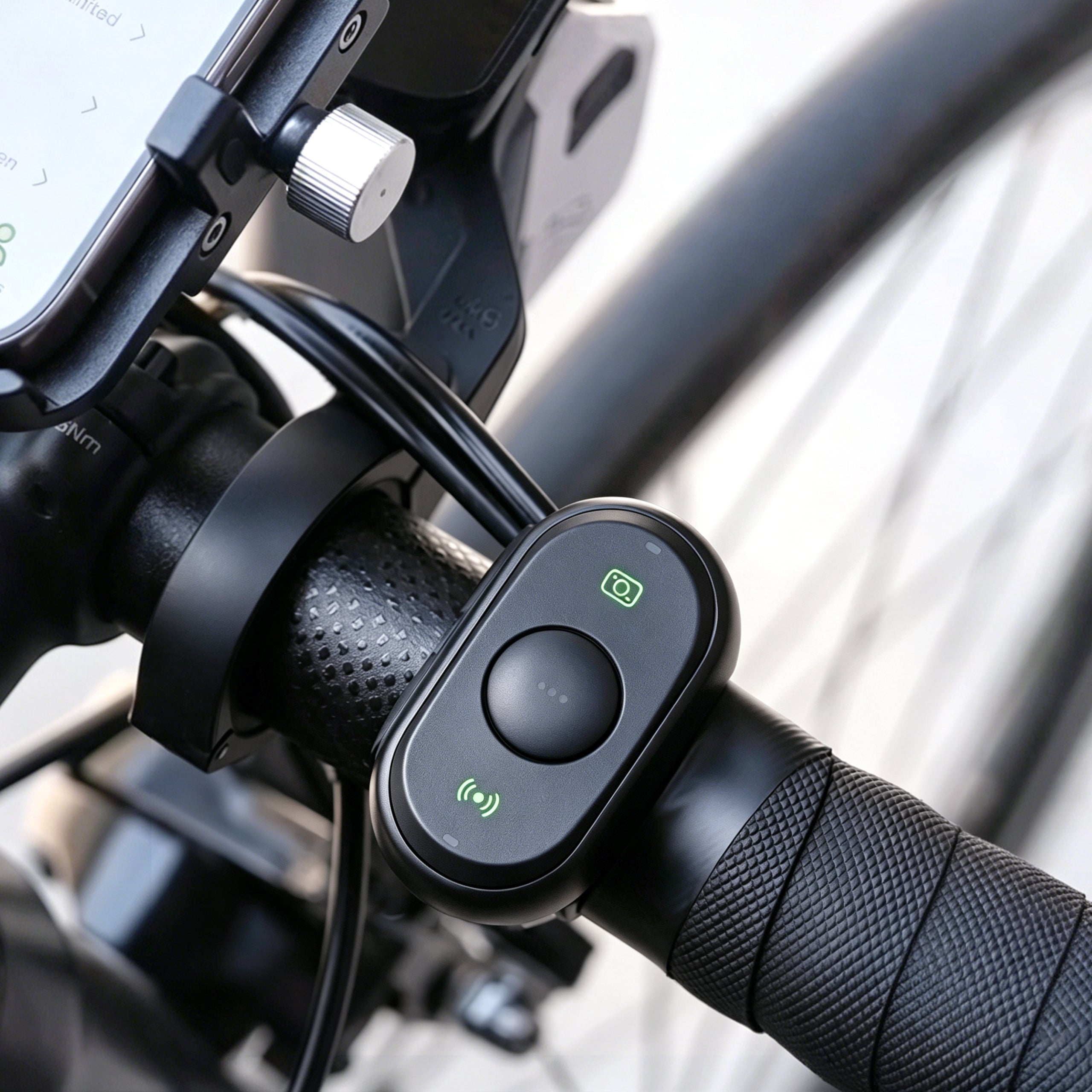
Controle o seu BleeqUp Ranger sem fios com o Controlador Bluetooth. Inicie ou pare a gravação em modo mãos-livres, tornando as suas aventuras mais seguras e fáceis.

Envio rápido e gratuito

Garantia de 1 ano

Devoluções no prazo de 30 dias

Especificações
Dimensões:55 mm × 31 mm × 17 mm
Peso:18 g
Bluetooth:Bluetooth 5.3, compatível com BLE
Bateria:160 mAh
Resistência à água e ao pó:IP67
Cor:Preto
Perguntas frequentes
-
O comando Bluetooth é à prova de água?
Sim, o comando Bluetooth é à prova de água, com classificação IP67.
-
Quanto tempo dura a bateria?
A autonomia da bateria depende da utilização. Em condições normais — 10 a 15 utilizações por semana, com cerca de 50 minutos por utilização —, a bateria dura aproximadamente 5 meses.
-
O que fazer se os botões não responderem?
Por favor, prima primeiro o botão de alimentação durante alguns segundos para desligar o comando; em seguida, prima qualquer botão para o ligar novamente e tente outra vez.
Se não vir a luz indicadora de desligamento ao premir o botão de alimentação durante alguns segundos, verifique o seguinte:
1. Verifique se a pilha tem carga suficiente (pilha de botão: CR2032).
2. Certifique-se de que a pilha está instalada corretamente, com a polaridade correta, e que a tampa do compartimento da pilha está bem fechada.
3. Certifique-se de que os óculos estão ligados.
4. Confirme na aplicação se o controlador está emparelhado com sucesso com os óculos. -
O que fazer se o emparelhamento falhar?
Certifique-se de que:
1. Tanto o controlador Bluetooth como os óculos estejam ligados.
2. Estão a uma distância máxima de 1 metro um do outro.
3. Ambos estejam no modo de emparelhamento:
Óculos: Pressione e mantenha premidossimultaneamente o botão «Intercom Mute» e o botão «Capture» durante 5 segundos, até que o LED de estado interno pisque a azul e exiba a mensagem «Pairing».
Controlador Bluetooth: mantenha premidossimultaneamente o botão «Intercom Mute» e o botão «Capture» durante 5 segundos, até que o LED indicador de estado pisque a verde.
-
Por que é que o comando Bluetooth se desliga automaticamente?
O controlador desligar-se-á automaticamente quando estiver demasiado longe dos óculos; se permanecer desligado durante mais de 2 minutos, o controlador desligar-se-á automaticamente para poupar energia.
Em caso de interferência do sinal Bluetooth no ambiente, poderá ocorrer uma breve desconexão, mas a reconexão será feita automaticamente e de forma rápida, sem que seja necessária qualquer ação.
-
Como é que me volto a ligar aos óculos depois de os desligar?
Se o controlador Bluetooth tiver sido emparelhado com sucesso, após desligá-lo, basta premir qualquer botão para o ligar. Se os óculos estiverem nas proximidades, o controlo voltará a ligar-se automaticamente.
-
Como instalar o controlador Bluetooth no guiador?