Power Plus guide
Long rides need more than a full battery at the start. BleeqUp Power Plus gives Ranger a practical way to keep recording and playing audio when a short session becomes a full day outside.
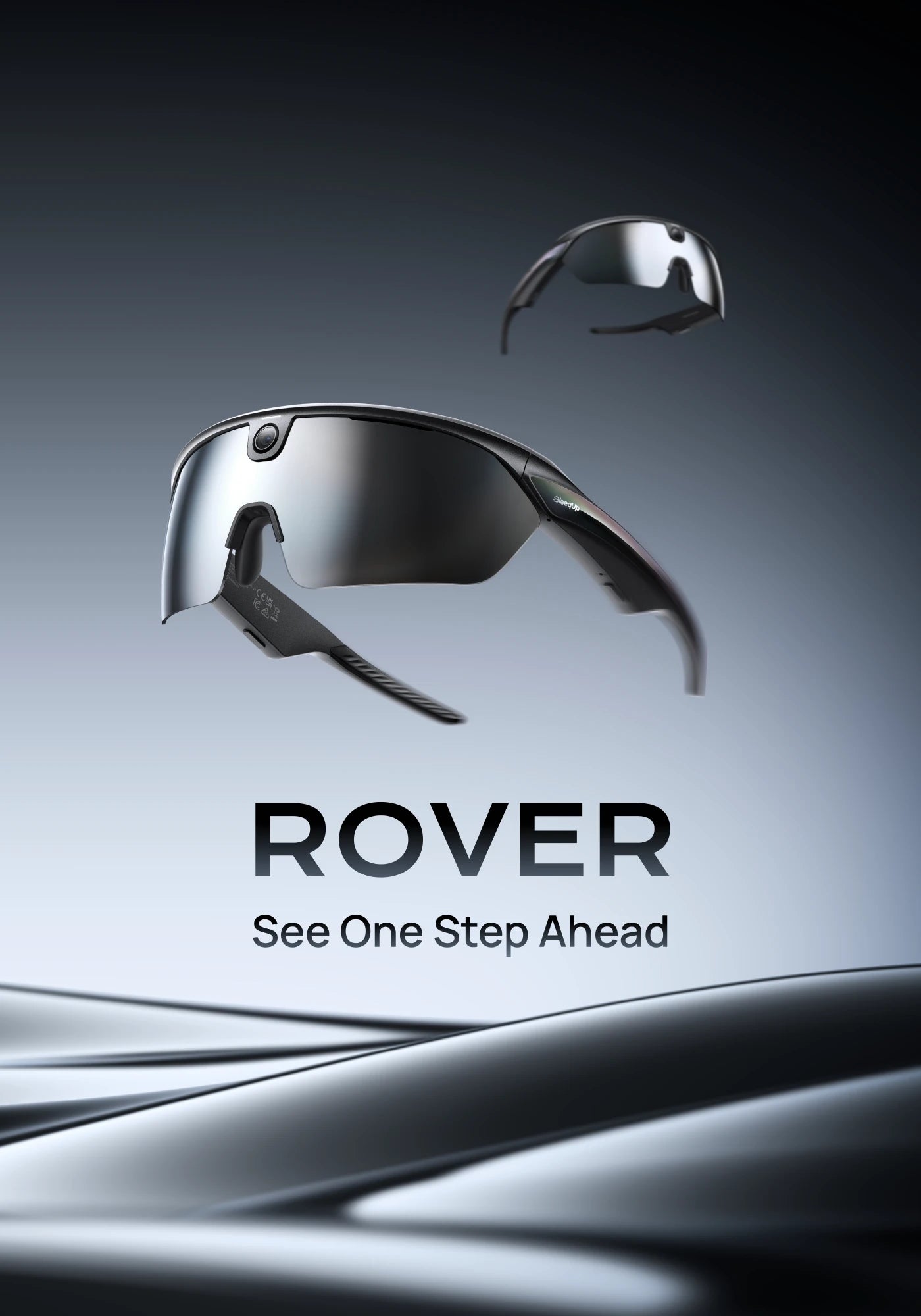
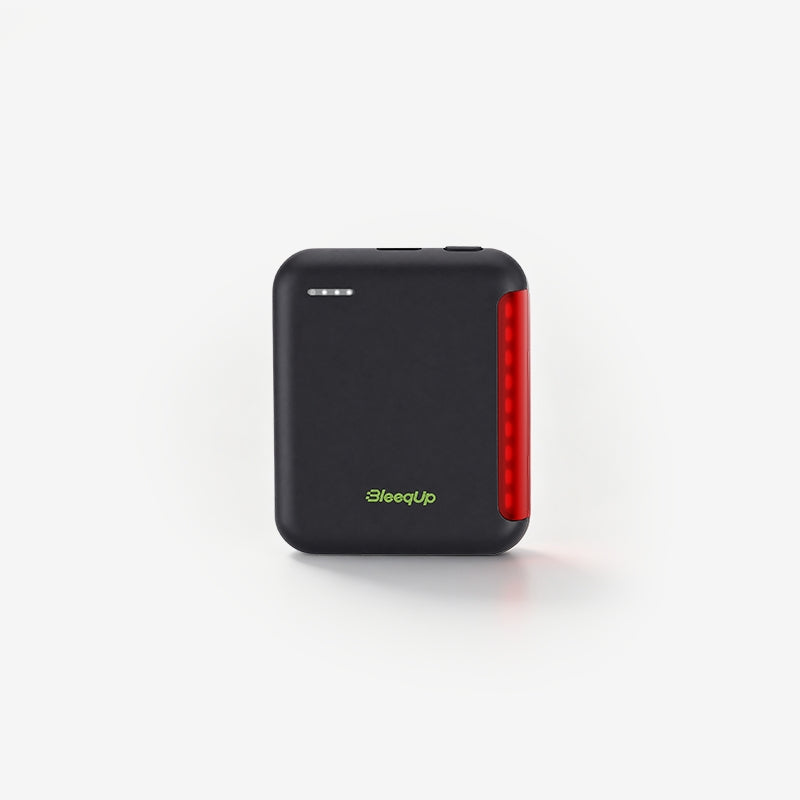
BleeqUp Power Plus is an external battery accessory for BleeqUp Ranger AI sports camera glasses. The glasses battery is designed for up to one hour of continuous video, while Power Plus can extend the total continuous recording time to up to five hours. That makes the accessory relevant for long training rides, gravel routes, group rides, travel days, and any session where stopping to recharge would interrupt the story.

What Power Plus changes
Power Plus solves one specific problem: available runtime. It does not change Ranger's camera resolution, storage capacity, stabilization, lens options, or app features. Instead, it gives the glasses more power while they are connected, so you can plan longer recording sessions without carrying a separate power bank and trying to manage a loose cable in the middle of a ride.
| Specification | What it means on a ride |
|---|---|
| 1600 mAh capacity | A dedicated battery extension for Ranger rather than a general phone power bank. |
| Up to 5 hours of continuous video | The stated maximum includes the glasses and Power Plus together; actual runtime depends on settings, usage, temperature, and conditions. |
| 42 g | Light enough to be practical for a helmet-mounted setup, but the fit should still be tested before a long ride. |
| IP56 rating | Useful protection for outdoor use; it is not a reason to submerge the accessory or ignore the charging-port guidance. |
| Rear safety light | Adds a visible rear-light function to the extended-power setup. Follow local lighting and road-safety requirements. |
Who should use Power Plus?
Power Plus makes the most sense when your normal ride is longer than the glasses' standalone video runtime or when you want to record several sessions before returning to a charger.
- Long training rides: keep the camera available for climbs, descents, route notes, and selected moments without treating the first hour as the whole session.
- Gravel and adventure routes: reduce the need to stop at a café or trailhead just to recharge before the route is finished.
- Group rides and events: maintain a larger recording window while keeping open-ear audio and Ranger controls in the same system.
- Travel days: carry one Ranger-specific extension and plan charging around the day instead of searching for a wall outlet between activities.
If most of your use is a short commute or a few clips, the standalone glasses battery may be enough. Power Plus is an option for people whose actual riding routine has outgrown a short capture window.
How to mount and connect Power Plus
- Charge before you leave. Use the supplied charging setup and give the battery extension enough time to reach a useful charge level. The product support information lists a one-hour quick-charge reference, but charging time can vary with the charger, cable, temperature, and starting level.
- Mount it securely. The recommended helmet position is at the rear center, with the charging connector routed toward the side near the right ear. The battery should not swing, press into the helmet, or interfere with a strap.
- Connect the magnetic USB-C cable. Attach the cable to Power Plus and the charging port on the Ranger temple. Check that the magnetic connection is seated and that the cable has enough slack for normal head movement.
- Wake the battery. Press the Power Plus button when needed. The accessory can enter standby after around 15 minutes of inactivity, so wake it before relying on it for a new recording session.
- Test while stationary. Start a short video, confirm that Ranger is charging, check the rear light if you plan to use it, and make sure the cable path is comfortable before rolling out.

Plan recording time instead of chasing a maximum
Up to five hours is a useful reference, not a promise that every ride will produce five hours of identical footage. Video resolution, frame rate, audio use, app activity, temperature, battery age, and how often you stop and start can all affect runtime. A better plan is to match the accessory to the way you ride.
| Ride pattern | Practical setup |
|---|---|
| Short commute or quick workout | Use Ranger on its own if you only need a few clips and can recharge afterward. |
| One to three-hour training ride | Start with both batteries charged and connect Power Plus if you want continuous coverage or several capture windows. |
| Four to five-hour route | Use Power Plus, begin with a full charge, record intentionally, and leave room for real-world runtime variation. |
| Long day with stops | Record in useful segments, protect storage space, and use stops to check the cable, charge state, and fit. |
Charging, weather, and care
Power Plus is listed with a 1600 mAh battery, 5V DC 1A input/output, and IP56 protection. Keep the charging contacts clean and dry, avoid connecting the cable when the port is wet, and follow the current user manual for charging and storage. IP56 is outdoor protection, not permission to submerge the battery or leave the entire setup exposed to water for an extended period.
If the accessory has been used in rain or dusty conditions, disconnect it when safe, wipe the exterior, and let the contacts dry before charging. Store the cable so that it is not sharply bent, and inspect the connector before the next ride. For the full instructions, read the Power Plus user manual.
How Power Plus fits the wider Ranger setup
Battery life is only one part of a good camera-glasses workflow. The BleeqUp Ranger review explains how the camera, open-ear audio, navigation, and communication features work together. For lens choices, see the Ranger ZEISS lenses guide. The camera glasses for cycling guide covers fit, POV video, controls, and outdoor buying criteria, while the BleeqUp App guide covers clips, AI Highlights, maps, and intercom. When you are ready to compare the full setup, visit the Ranger product page and check the current lens and accessory options.
FAQ
Does Power Plus guarantee five hours of video?
No. The official maximum is up to five hours of continuous video with the glasses and Power Plus together. Actual runtime depends on capture settings, usage, temperature, battery condition, and other factors.
Can Power Plus charge Ranger while it is recording?
Power Plus is designed to extend Ranger during use through the connected magnetic cable. Start with both devices charged, confirm the charging indicator while stationary, and check the current product instructions for your exact configuration.
Does Power Plus improve camera quality?
No. It extends available power. Camera resolution, stabilization, storage, lenses, and app features come from the Ranger system and the selected configuration.
Is Power Plus waterproof?
It is listed with IP56 protection for outdoor use. Do not submerge it, charge it while wet, or treat the rating as a substitute for the current care instructions.
Where should I mount Power Plus?
The recommended position is at the rear center of the helmet, with the charging connector routed toward the side near the right ear. Test the fit and cable path before riding.
Do I need Power Plus for every ride?
No. It is most useful for longer routes, continuous recording, multiple sessions, or days when recharging is inconvenient. For short rides and occasional clips, Ranger on its own may be enough.
The practical takeaway
Power Plus is a focused upgrade for riders who need more time, not more features. With a 1600 mAh battery, a 42 g form factor, IP56 protection, a rear safety light, and up to five hours of continuous video for the combined setup, it gives Ranger a more realistic long-ride option. Charge it before the ride, mount it securely, test the cable while stopped, and treat the maximum runtime as a planning reference rather than a guarantee.