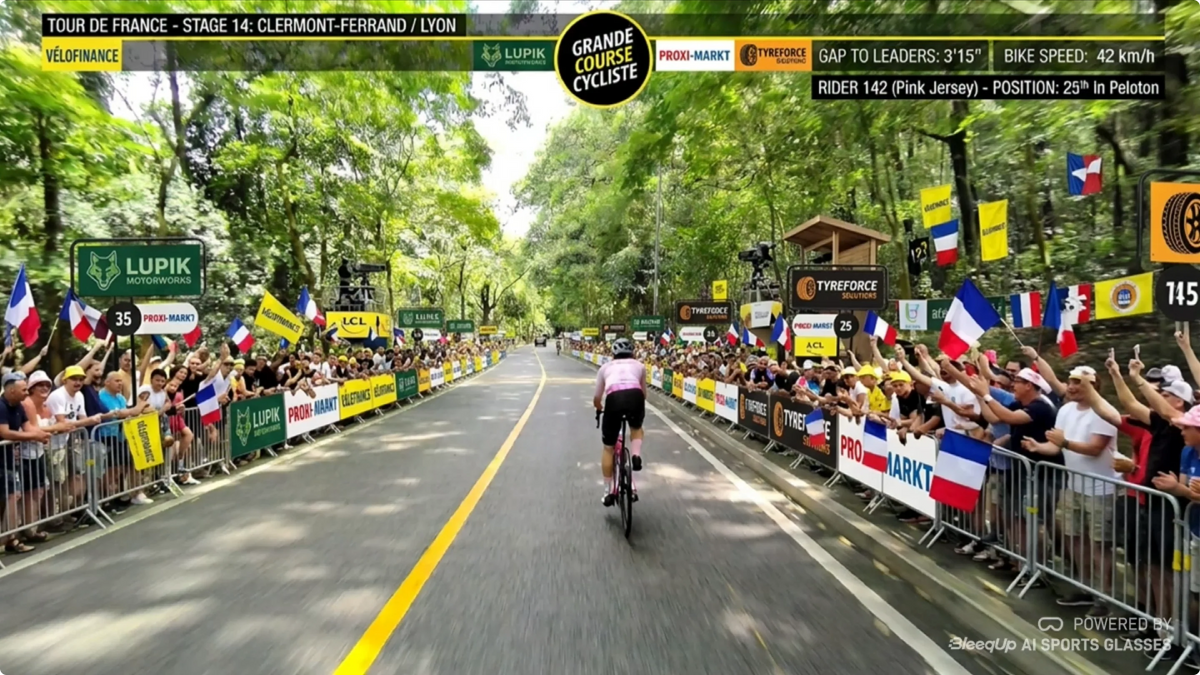
Not every sports clip has the same job. Some footage should preserve what happened; other footage is ready to become a more expressive social post. AI Master Repaint gives selected Rover clips a creative visual treatment after capture, while the original recording remains the right choice for factual review.
AI video effects become more useful when they are applied with intent. A scenic section, city ride, descent, or running segment can be revisited as a creative edit instead of being posted as the same raw POV file. Rover AI Master Repaint adds that option for sports creators who want to explore a different visual mood.
Documentary footage and creative output serve different goals
A clear original recording is valuable for route review, training analysis, and any question about what was actually in front of the camera. A creative version has a different purpose: it can emphasize atmosphere, movement, color, or a visual idea that makes a recap easier to watch and share.
AI Master Repaint belongs in the second category. It does not need to be used on every clip, and it should not be described as an improvement to the factual record. The strongest promise is choice: keep the original when accuracy matters, and repaint a selected moment when the goal is creative expression.


How AI video effects can extend a selected clip
A practical creator workflow starts with selection. Find a moment that already has a clear subject, decide what the final post should communicate, then test a visual treatment that supports that intention. Repaint can help a familiar route feel more distinctive without requiring the rider to reshoot the outing.
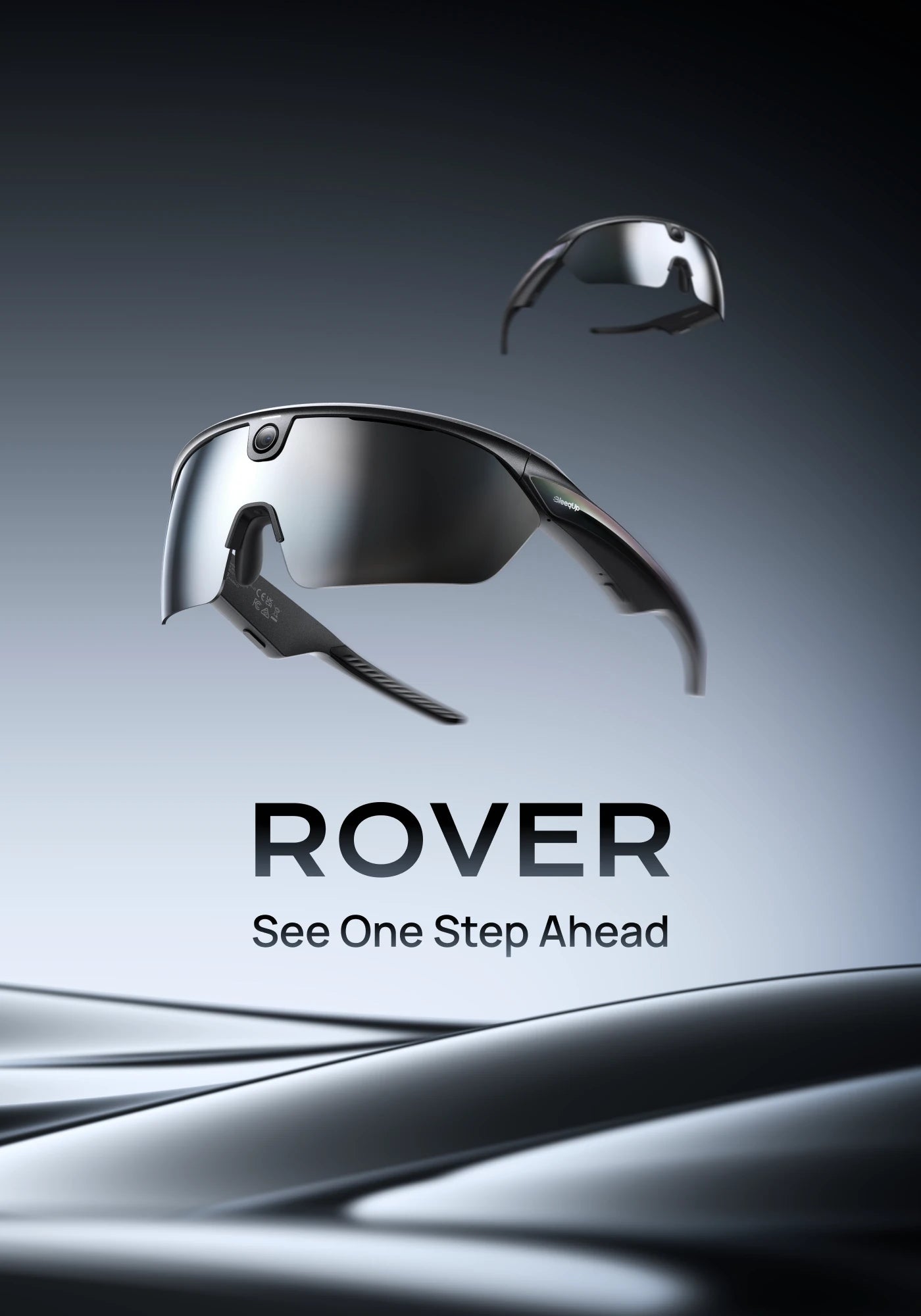
The feature also fits naturally after Rover's capture and AI editing tools. The glasses record the point of view, AI tools help find or select the section, and Repaint adds a creative layer when the rider is making a social clip or recap.
Choose the right source for the right job
For safety evidence, incident review, route documentation, or training analysis, use the clear original footage. A repainted clip is an edited creative output and should not be treated as evidence or as a substitute for a safety review. That distinction protects both the meaning of the recording and the freedom to experiment with the copy made from it.
FAQ
What is AI Master Repaint?
It is a creative AI feature for applying a different visual treatment to selected Rover sports footage after capture.
Can repainted footage document an incident?
No. Use the clear original recording for documentation, safety review, route evidence, or training analysis. Repaint is for creative output.
What kind of clips suit a repaint?
Selected moments with a clear subject—such as a scenic section, city ride, descent, or running segment—can be good candidates for a social or recap edit.