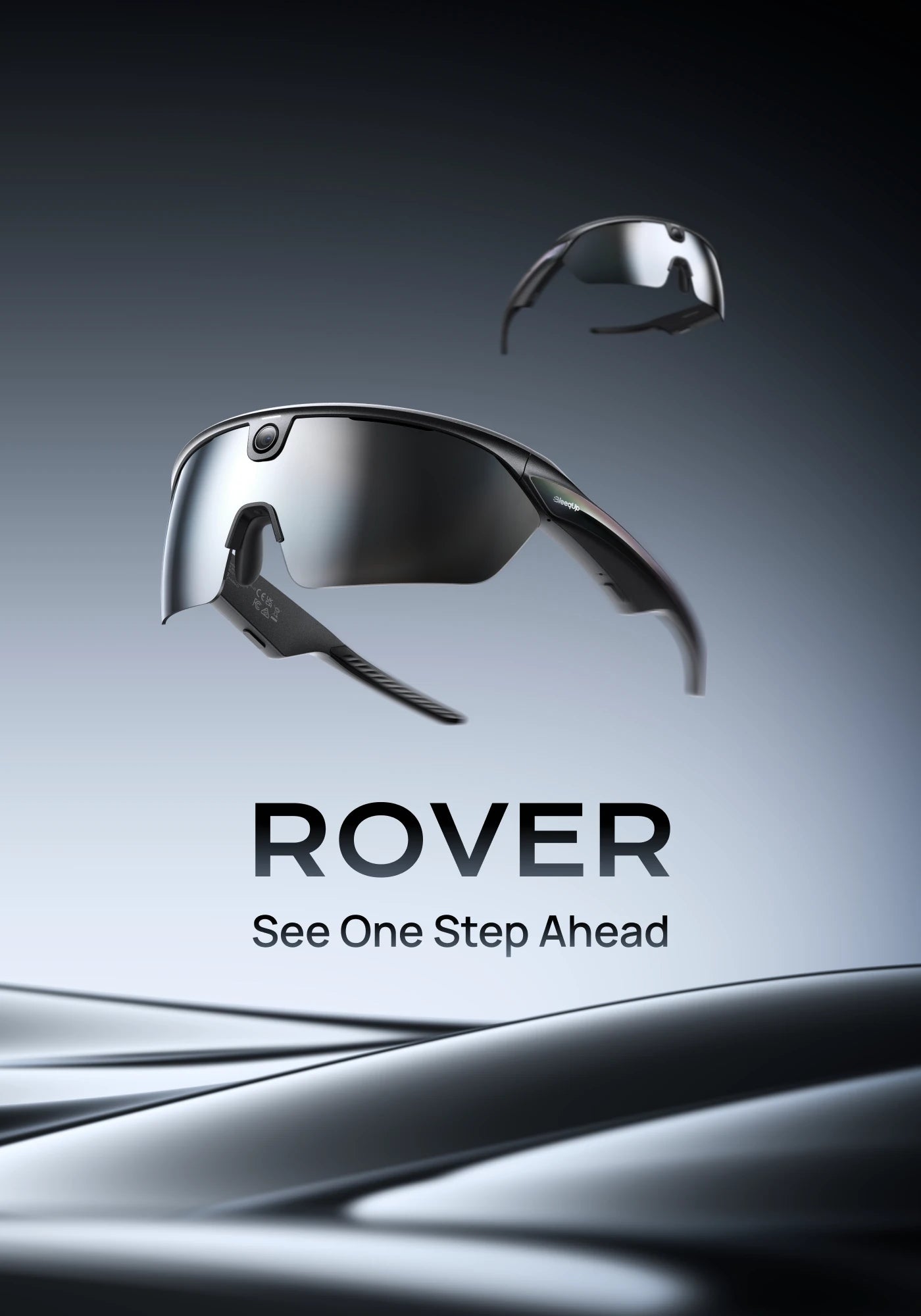
BleeqUp Rover 處方鏡片
Custom single-vision lenses for your Rover RX insert.
Order prescription lenses designed for the Rover RX insert. Production takes approximately 7 business days after your prescription details are confirmed.
Only compatible with Rover.
For Ranger, choose Ranger Prescription Lenses.
Prescription lenses only. Rover glasses and RX insert are not included.
How It Works
-
 1 Prepare Your Prescription
Have your current single-vision prescription and PD information ready.
-
 2 Enter Your Details
Use our guided form to enter the information for both eyes.
-
 3 Optional Prescription Upload
Upload a clear photo or PDF so we can verify the details entered.
-
 4 Custom Lens Production
Your lenses are custom-made according to the submitted prescription.


Need help reading your prescription?
A quick guide to SPH, CYL, AXIS, ADD, PD and OD/OS.
You can upload a photo or PDF of your prescription during the selection process.
Need help reading your prescription?
A quick guide to SPH, CYL, AXIS, ADD, PD and OD/OS.
You can upload a photo or PDF of your prescription during the selection process.
SPH — Sphere
Indicates the main lens power used to correct nearsightedness or farsightedness. Keep the plus or minus sign.
CYL — Cylinder
Indicates the amount of lens power used to correct astigmatism.
AXIS
Indicates the orientation of astigmatism correction, measured from 1° to 180°.
ADD — Addition
Indicates additional magnifying power for near vision. Enter it only if it appears on your prescription.
PD — Pupillary Distance
The distance between the centers of your pupils, measured in millimeters. It may be shown as a single or dual value.
OD / OS
OD refers to your right eye. OS refers to your left eye.
Enter every value exactly as provided by your optometrist or optician. Do not estimate or convert prescription values yourself.
Frequently Asked Questions
What is included with my $69 purchase?+
One pair of custom prescription lenses. Ranger glasses and RX insert are not included.
Is the Vision Correction Frame included?+
No. The RX insert is included with Ranger glasses, not with this lens product.
How do I install the prescription lenses?+
Install them into the RX insert included with your Ranger.
What type of prescription is supported?+
These custom prescription lenses currently support single-vision prescriptions only. Traditional bifocal and progressive prescriptions are not supported.
What prescription ranges are supported?+
The following prescription ranges are currently supported:
- SPH: −20.00 to +12.00, in 0.25 increments
- CYL: −6.00 to +6.00, in 0.25 increments
- AXIS: 0° to 180°, in 1° increments
- ADD: 0.00 to +3.50, in 0.25 increments
- Single PD: 35 to 79 mm, in 0.5 mm increments
- Dual PD: 17.5 to 40 mm for each eye, in 0.5 mm increments
AXIS can be selected only when a CYL value is entered. ADD is optional; select 0.00 if no ADD value appears on your prescription.
What prescription information do I need?+
Please have the SPH, CYL, AXIS and PD values for both eyes ready. ADD is optional. If your prescription does not include an ADD value, select 0.00. Enter every value exactly as provided by your optometrist or optician, including all plus and minus signs.
What is the difference between Single PD and Dual PD?+
Single PD is one total measurement between the centers of both pupils. Dual PD provides separate measurements for the right and left eye. Select the same format shown on your prescription.
For example, 63 mm is a single PD, while 31.5/31.5 mm is a dual PD.
Do I need to upload my prescription?+
No. Uploading your prescription is optional. You must enter your prescription details manually, but you may also upload a clear photo or PDF so our team can verify the information entered.